Xceptance released version 4.3 of its load testing and test automation product Xceptance LoadTest. It features a wide range of improvements and new functionality.
As always, this update is free of charge for every user. You can use XLT freely for your daily automation work, regression testing, and performance validation. If you are an eligible Open Source project, you can get a full XLT license for your load and performance testing needs for free as well.
Script Developer
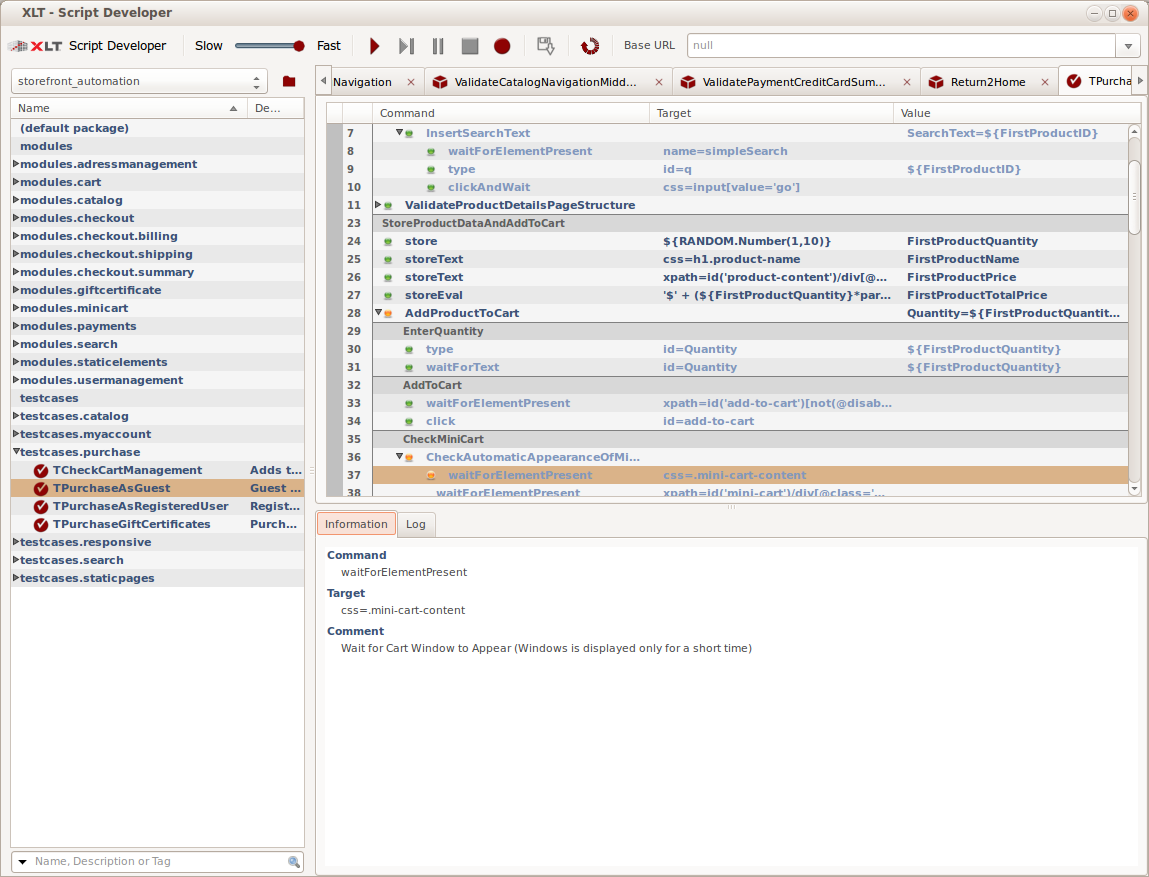
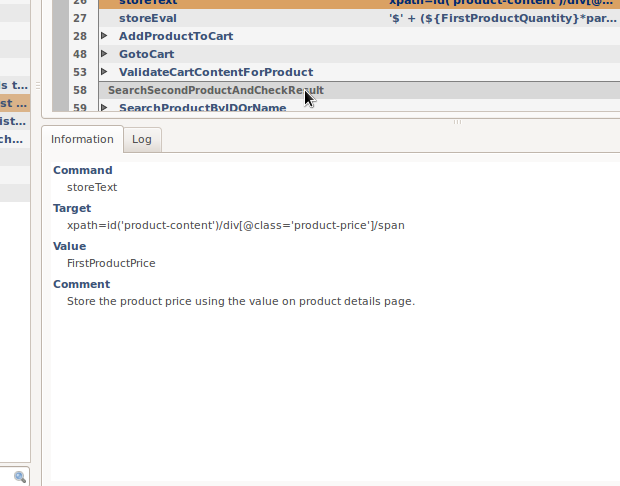
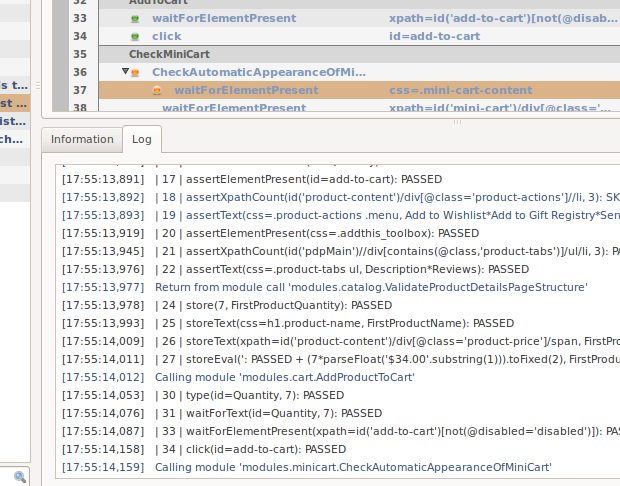
Enjoy more automation with less clicking. The new information panel summarizes the specifics of the currently selected item, so you do not need to open it anymore. Additionally, the new log panel lists all executed commands and their respective parameters.
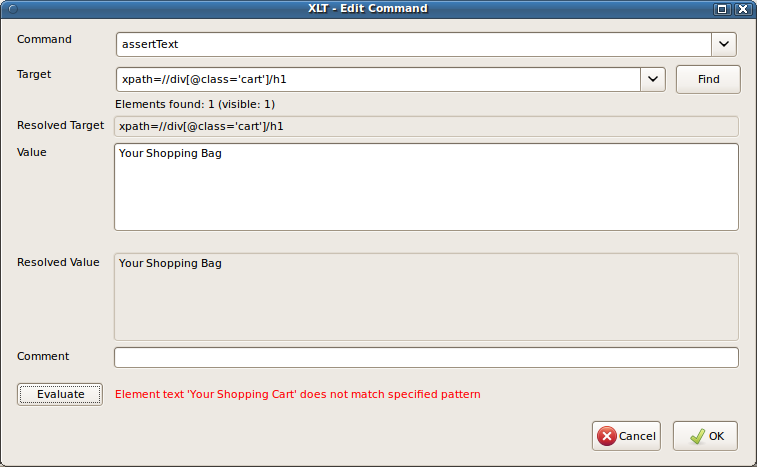
If an element is styled with the CSS property text-transform, then the element’s text on the screen may have different character casing from what is defined in the page’s DOM tree. The WebDriver specification mandates to return the text as shown on the screen. Script Developer will now record text with the the character casing that appears on the screen and it will also take the CSS property text-transform into account when replaying text assertions.
Reporting
The XLT load test reports have been improved by adding more charts and data details, such as overall statistics for all timers. Arrival rate charts have been added to visualize the load development over time and make sure the desired load factor was reached.
Charts can now optionally be configured to be logarithmic. A capping can be added to hide larger spikes, which usually make charts hard to read, without removing the important information altogether.
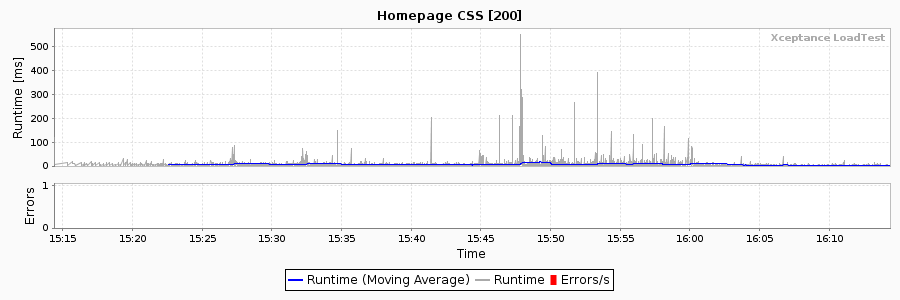
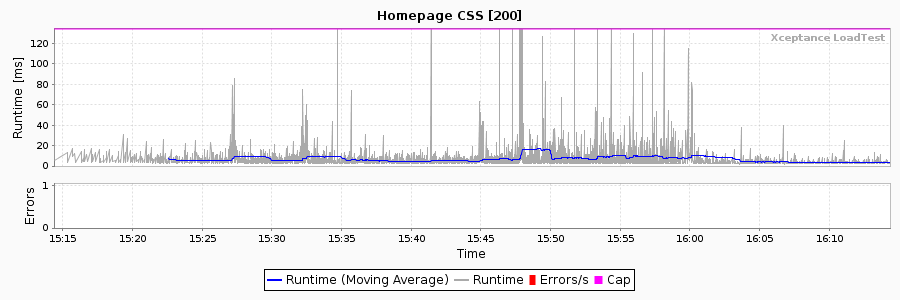

The new networking section summarizes all general network-related statistics and charts on a separate page.
The error and event page has been redesigned and includes a new error chart that contains separate graphs for all transactions/actions/requests so that the temporal distribution of transaction/action/request errors is displayed in one chart. A new error summary table groups all errors by their error message to help you see which types of errors occurred and how many of them.
Load and Performance Testing
The master controller features two new commands to validate the availability of agents and display their current configuration. A new command line option permits the skipping of result downloads when XLT is used as a load generator only.
Framework Extensions
A set of new commands is available in Script Developer and in the framework: commands such as assertAttribute, assertStyle, assertClass, assertEval, and their matching store and wait equivalents.
XLT can now send and receive IDs as part of the request to ease the correlation of server-side logs and test results. XLT may send a randomly generated alphanumeric ID as request header or extract such an ID from an arbitrary response header.
When dealing with different test environments, different load profiles, and/or different test data at the same time, managing different combinations of configuration settings can be challenging. The new property file include feature makes it easier now to predefine aspects and reuse them later in different configurations without copying and pasting.
When a test case reads a certain setting from the configuration, the framework uses a fallback strategy when doing the property look-up. This strategy performs an additional look-up step now, based on the transaction name (the short name to which the full class name is mapped). This additional step lets you parameterize different transactions differently, even if they are mapped to the same class and therefore share the same code.
The webdriver that will be used when executing functional tests can now be configured via properties. This allows greater flexibility and hardcoding is not necessary anymore.
When XLT executes XML script test cases with a WebDriver instance that is capable of taking screenshots, it can take a screenshot after each action, if desired.
Result Browser
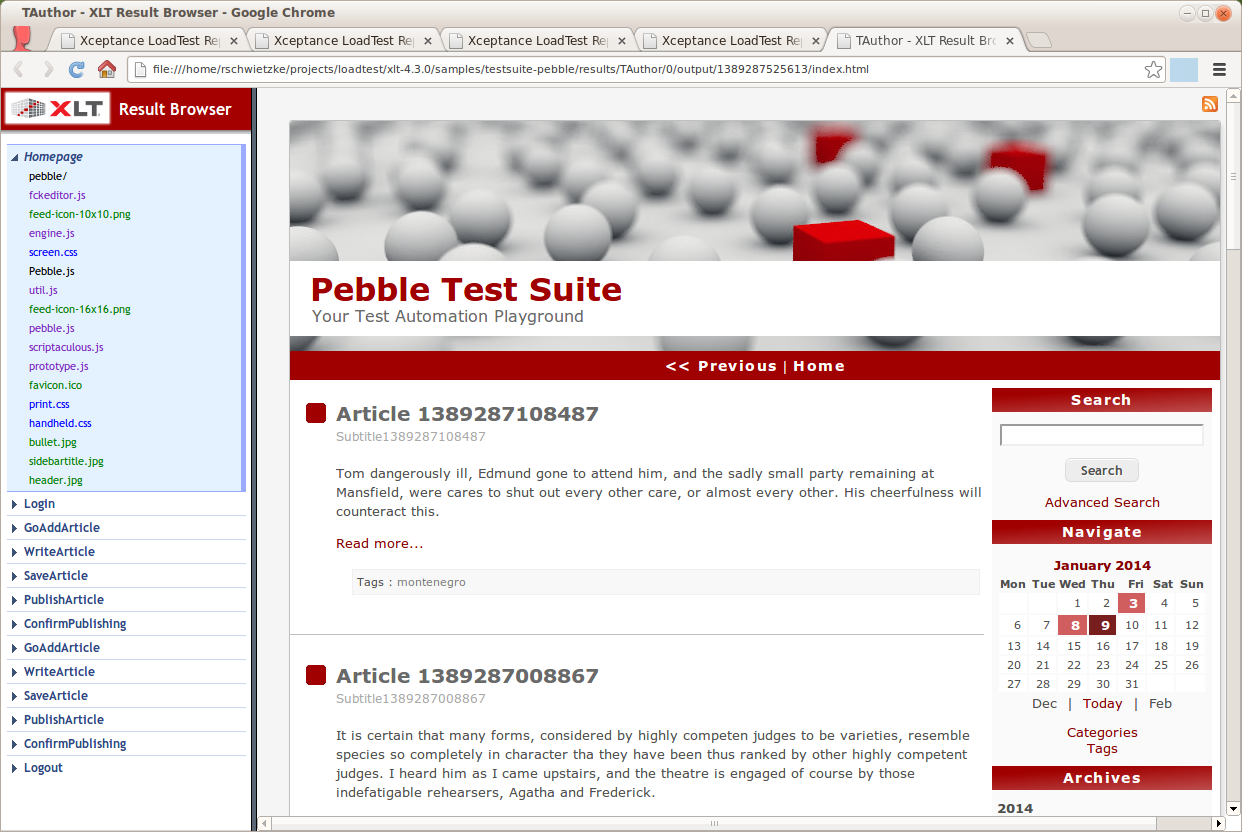 A new look matches the overall styling of reports. Also, the navigation bar can now be resized, requests are color coded to visualize the content type, and the first page is displayed automatically. URLs are now active links, so you can click them easily.
If needed, the content of a response can be beautified for certain content types (HTML, JavaScript, JSON, CSS). This includes formatting and syntax highlighting.
Misc
- XLT is shipped with an empty test suite project that can be used as a template for your own projects.
- HtmlUnit has been upgraded to version 2.12.
- WebDriver/Selenium has been upgraded to version 2.39.0.
- EC2 admin console permits setting a tag name now.
Amazon Machine Images
The Amazon Machine Images (AMI) listed below are available for public use. Using these images is free of charge, but require that you own an Amazon Web Services (AWS) account. Please make sure that your EC2 security group permits communication on port tcp/8500. AMIs with Java 6 are no longer provided.
- eu-west-1 : ami-ceae46b9
- us-east-1 : ami-2510394c
- us-west-1 : ami-e4ccfca1
- us-west-2 : ami-9ebadeae
- ap-southeast-2 : ami-617be45b
If you need XLT-AMIs in Tokyo, Singapore, or Sao Paulo, please let us know.
Purchase Licenses and Support Online
Licenses and support can be conveniently ordered through our XLT Self Service Center. You can instantly download licenses and purchase support right when it is needed. All your invoices and previous licenses (when purchased online) are accessible at any time.
We will notify you before your license or support runs out, so that you will never miss that again. This enables you to continue your daily automation and load testing work without interruption. Please note that we do not renew your contracts automatically, so no strings attached.
Visa and MasterCard are accepted. All credit card data is processed and secured by Wirecard.
Where to get it
More information about this release, the Quick Start Guide, and the Manual can be found in the release area. The full XLT 4.3.0 package can be downloaded here.
This upgrade is free of charge for everyone.